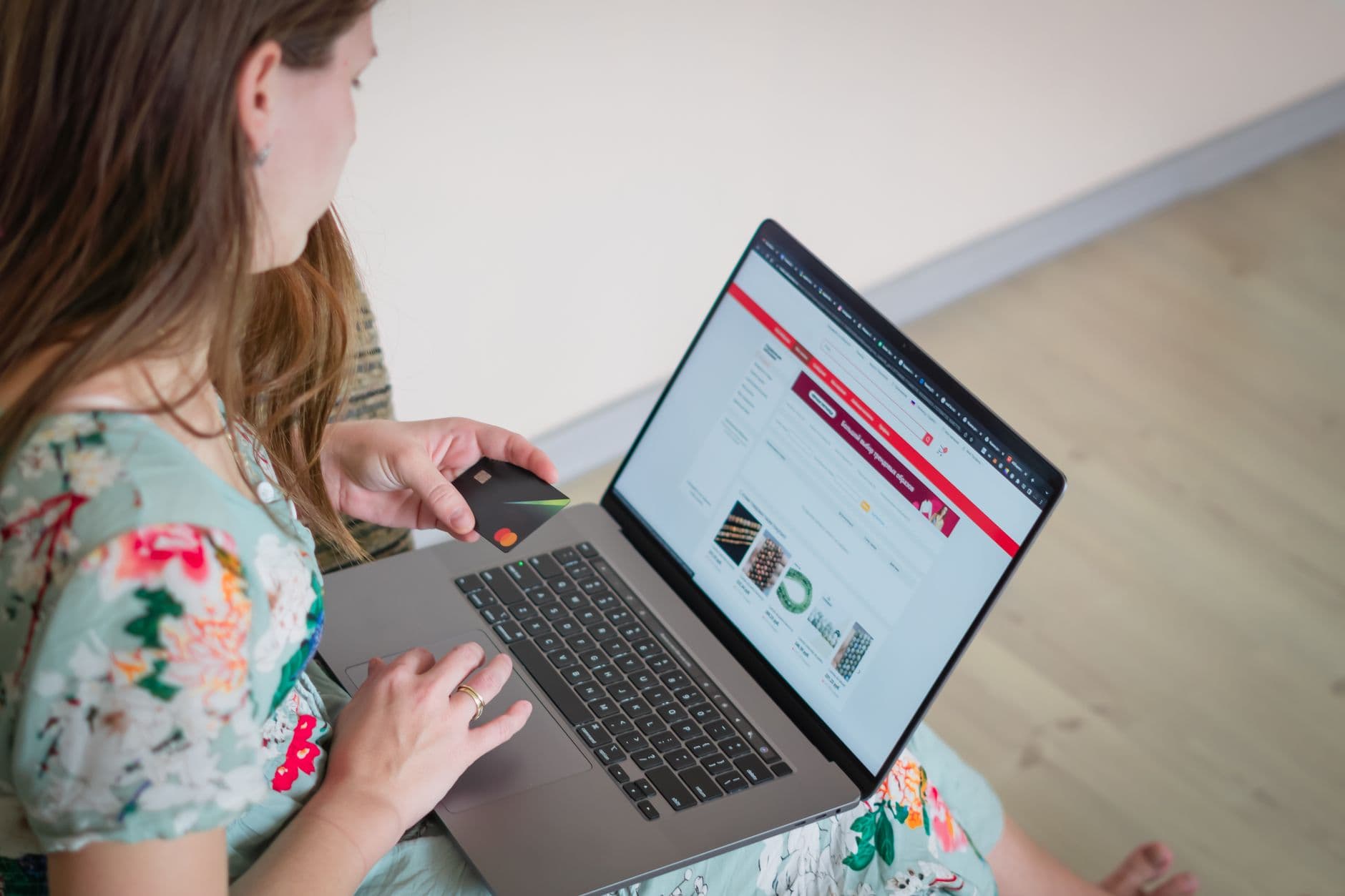
How to build an online store, step by step
Most guides on how to build an online store skip the part that decides whether it makes money. They spend ten steps on picking a theme colour and one line on whether anyone wants the product. This one runs the other way round. You can build an online store in a weekend. Whether it sells is a different question, and it is settled by decisions you make before you touch a platform. Here is the order that works.

Step 1: decide what you sell and to whom
One product, one buyer, one sentence. If you cannot finish "I sell X to people who Y", stop and fix that first. A store built on a vague catalogue is hard to market and easy to ignore.
Check that people already spend money on this. Search the product, look at who ranks, read the reviews on competitors. If three shops sell it and have reviews, that is proof of demand, not a reason to quit. An empty market is usually empty for a reason.
Step 2: sort the money and legal basics
Open a business bank account. Set up a Stripe account or decide on your payment provider. Work out VAT before you launch, not after your first big month. In the UK you register once taxable turnover passes 90,000 pounds in any 12 months. In Ireland the thresholds are lower, around 42,500 euro for services and 85,000 euro for goods. Voluntary registration below the line can make sense if you sell to businesses.
Write your policies now while it is boring, not later while a customer is angry. Returns, shipping times, privacy. Plain sentences, no lawyer-speak you copied and never read.

Step 3: choose where the store lives
Three sensible routes.
Shopify if you want a hosted store you run yourself, live fast, with a checkout that already converts. You pay monthly and rent the platform.
A custom build if you want the store to match your brand exactly, load fast without a stack of paid apps, and own the whole thing. This is where design and speed become an advantage instead of a compromise.
WooCommerce if you already live on WordPress and want to keep content and shop in one place.
There is no universal best. Pick for your budget and how much of the tech you want to touch. If you are unsure, that decision alone is worth a conversation with someone who has built stores on all three.
Step 4: build the pages that do the work
The homepage matters less than people think. Product pages and the checkout do the selling.
A product page needs an honest, sharp set of photos, a price you do not have to hunt for, what it is and who it is for in plain words, delivery time, and your returns line right there. Add real reviews as soon as you have them. Trust closes sales that clever copy cannot.
The cart and checkout need to be short and fast. Ask only for what you need to ship the thing. Show the delivery cost early, never as a surprise on the last step, because surprise shipping is the top reason carts get abandoned. Turn on Apple Pay and Google Pay so a phone buyer can finish in two taps.
Step 5: make it fast
Speed is not a finishing touch, it is part of the product. A store that takes four seconds to load on a phone loses buyers before the first image appears. Compress your images, avoid piling on apps and scripts, and test on a real phone on mobile data, not on your fast office wifi.
If you are on a hosted platform, keep the app count lean. Every extra app adds scripts and slows the page. If you are on a custom build, this is where it earns its price, because a well-built store loads in under two seconds and stays that way.
Step 6: test a real order before anyone else does
Buy your own product with a real card. Check the confirmation email lands. Refund yourself and confirm that works too. Test it on a phone. A shocking number of stores launch with a broken checkout that nobody ever ran end to end. Do not be one of them.
Step 7: get the first ten orders from humans
Do not wait for search rankings or ads to warm up. Message people who fit, post the link where your buyers already gather, hand it to anyone in your network who matches. Ten real orders tell you what your photos, price, and page are actually doing. Fix what those ten teach you, then think about scaling traffic.
What to do when the fiddly parts stop being fun
There is no shame in building it yourself. Many good stores started on a free trial and a stubborn weekend. The point where help pays off is when the store is quietly losing sales you cannot see, or when your hours are worth more than wrestling with theme code and shipping rules.
That is what we do. We build online stores that sell, a store built to turn browsers into buyers, and the site and AI that keep the orders coming, trilingual where you need it, sites live in 3 days at a fixed price with an editable panel included. You are not locked into calling us for every text edit.
If you already have a store and something feels off, send it for a free store audit. Within 48 hours you get a short human report on what is broken and where you are losing sales. No pitch.
Build the smallest version that can take a real order. Get ten of them. Then grow the parts the orders tell you to grow.
Want to see where you lose customers?
Get a free audit. Within one working day you get a short, human report on what is broken.